
Best Budgeting Apps UK 2026:
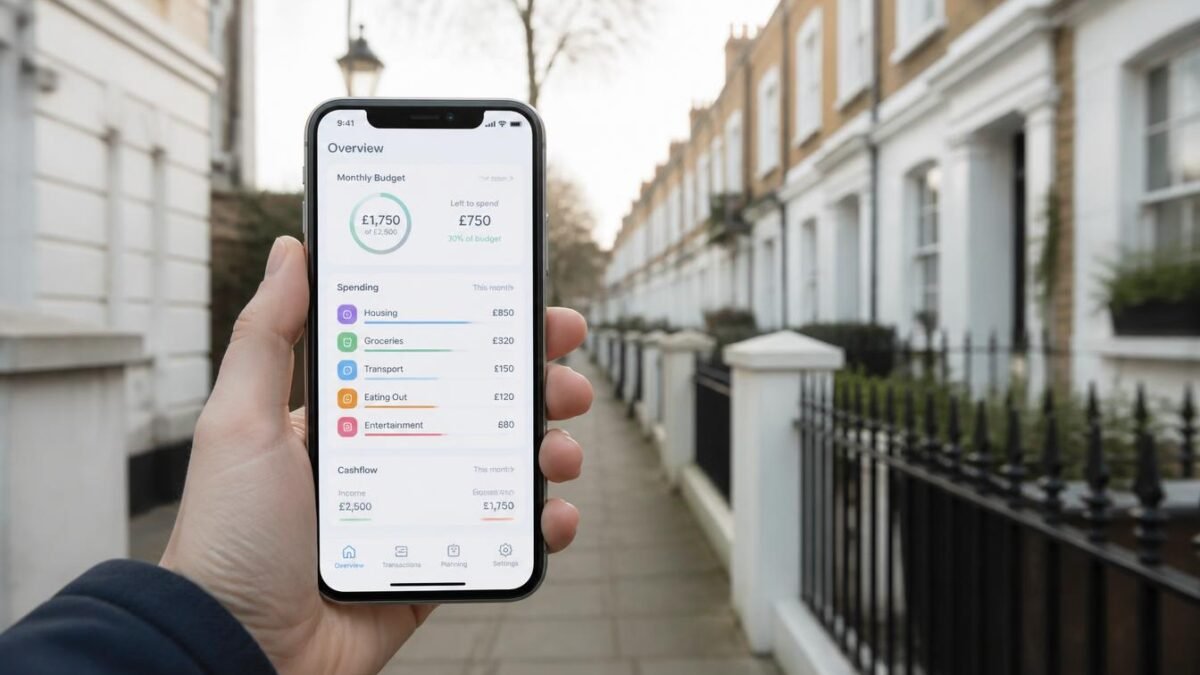
With household bills, rent and everyday costs still stretching budgets across Britain, knowing where your money goes each month has never mattered more. A good budgeting app can connect to your bank accounts through Open Banking, categorise spending automatically and help you save without spreadsheets. This guide compares the best budgeting apps UK users can choose in 2026, both free and paid, so you can pick the one that fits your habits.
Prices and features change regularly, so confirm the latest details on each app’s website before subscribing.
Quick Comparison
| App | Price (approx.) | Best for |
| Emma | Free; paid tiers from about £4.99/month | All-round budgeting and subscriptions |
| Snoop | Free; Snoop Plus about £5.99/month | Finding savings on bills |
| YNAB | About £9.99/month | Hands-on, zero-based budgeting |
| Monzo | Free account; Monzo Extra about £3/month | Everyday banking with built-in budgeting |
| Revolut | Free tier available | Travel and multi-currency spending |
| HyperJar | Free app | Pots (“jars”) for planned spending |
| PocketSmith | Paid plans | Long-term cash flow forecasting |
| Actual Budget | Free (self-hosted) | Privacy-focused users |
| Starling Bank | Free account | Spaces and spending insights |
Note: Moneyhub, once a popular choice, closed in August 2026, so it’s no longer an option.
1. Emma: Best All-Round Budgeting App
Emma connects to most UK banks and credit cards, categorises transactions and highlights subscriptions you may have forgotten.
Highlights – Clear spending breakdowns and budgets by category, – Subscription tracking to cancel waste, – Paid tiers add features like custom categories, savings pots and rent reporting to help build your credit history.
Best for: people who want everything in one place with minimal effort.
2. Snoop: Best for Cutting Bills
Snoop analyses your spending and suggests ways to save, such as cheaper energy, broadband or insurance deals, and alerts you when bills rise.
Highlights – Personalised money-saving tips, – Bill tracking and renewal reminders, – Free version is genuinely useful; Snoop Plus adds more customisation.
Best for: anyone who wants to reduce regular bills.
3. YNAB (You Need A Budget): Best for Serious Budgeters
YNAB uses zero-based budgeting: you give every pound a job before you spend it. It takes effort to learn but changes habits for many users.
Highlights – Proven budgeting method with strong educational content, – Goal tracking for savings and debt repayment, – Free trial before you pay.
Best for: people who want full control and are willing to engage regularly.
4. Monzo: Best Bank With Built-In Budgeting
Monzo’s app offers real-time notifications, spending categories, savings pots and bill pots. Monzo Extra lets you connect accounts from other banks and customise categories.
Best for: people happy to switch their everyday banking to an app-based bank.
5. Revolut: Best for Travellers
Revolut offers budgeting tools, spending analytics and excellent multi-currency features. You can link other bank accounts to see your finances in one view.
Best for: frequent travellers and people who spend in several currencies.
6. HyperJar: Best for Planned Spending
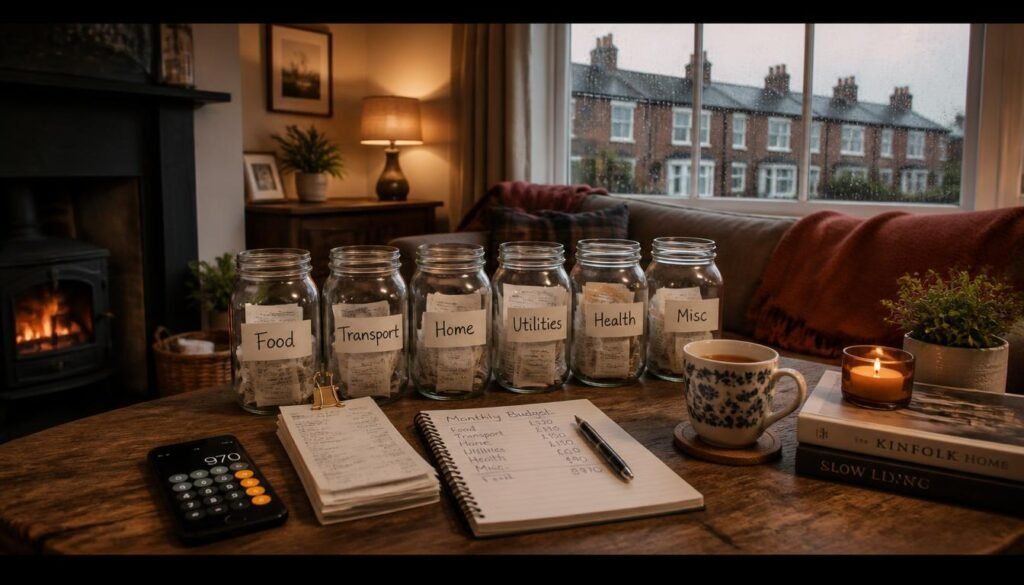
HyperJar lets you split money into “jars” for groceries, travel, gifts and more, with a linked card that spends from each jar.
Best for: people who like the envelope method in digital form, and families managing shared spending.
7. PocketSmith: Best for Forecasting
PocketSmith projects your future balance based on income and bills, which is handy for planning big purchases or irregular income.
Best for: freelancers and anyone with variable income.
8. Actual Budget: Best for Privacy
A free, open-source, zero-based budgeting app you can self-host. It’s more technical but gives you full control over your data.
Best for: tech-savvy users who prioritise privacy.
9. Starling Bank: Best Free Bank Account for Budgeting
Starling’s Spaces let you set money aside for goals and bills, with clear spending insights.
Best for: people wanting a free bank account with solid budgeting features.
Are Budgeting Apps Safe?
Most UK budgeting apps use Open Banking, which lets you share read-only data securely with your bank’s permission. Look for apps that are authorised by the Financial Conduct Authority (FCA). You can check the FCA Register online. Never share your bank password directly with any app.
How to Choose the Right App
Ask yourself:
- Do I want automatic or hands-on budgeting? Emma and Snoop are automatic; YNAB is hands-on.
- Am I willing to switch banks? If so, Monzo or Starling may be all you need.
- Do I have irregular income? PocketSmith’s forecasting helps.
- Do I want to pay? Start with free versions and upgrade only if the extra features save you more than they cost.
Budgeting Tips That Work With Any App
- Use the 50/30/20 rule as a starting point: 50% needs, 30% wants, 20% savings or debt.
- Review weekly: a 10-minute check-in beats a monthly panic.
- Cancel unused subscriptions flagged by your app.
- Automate savings on payday.
- Build an emergency fund of three to six months of essential costs.
Budgeting on a Side Hustle Income
If you earn extra money on the side, track it separately and set aside money for tax. In the UK, the £1,000 trading allowance covers small amounts; above that you’ll usually need to file Self Assessment. For ideas, see our list of the best side hustles and passive income ideas with little money.
Free vs Paid: Is It Worth Upgrading?
Free versions of Emma, Snoop and the banking apps cover the basics for most people: connected accounts, categorised spending and budgets. Paid tiers make sense if you want custom categories, advanced forecasting, credit-building features or the structured method YNAB teaches. A simple test: if an upgrade helps you save more than its annual cost, it’s worth it.
Setting Up Your First Budget in 20 Minutes
- Download one app and connect your main current account and credit card.
- Let the app categorise the last three months of transactions.
- Fix any wrongly categorised items.
- Set a monthly limit for your three biggest flexible categories, such as groceries, eating out and shopping.
- Turn on alerts for when you’re close to each limit.
How to Switch Budgeting Apps Without Losing Data
If you’re moving from an app that’s closing or no longer fits your needs:
- Export your transaction history as a CSV file before cancelling.
- Note your categories and budgets so you can recreate them.
- Connect your accounts to the new app and let it import recent transactions.
- Import older history if the new app supports CSV uploads.
- Revoke access for the old app in your bank’s Open Banking settings.
Taking these steps keeps your budgeting history intact and your data secure.
Budgeting for Common UK Costs
Make sure your budget includes costs people often forget: council tax, TV licence, annual car insurance and MOT, gifts at Christmas and birthdays, and subscription price rises. Many apps let you set up “bill pots” or recurring budget items for these, so annual costs don’t catch you out.
Final Thoughts
The best budgeting apps UK users can choose in 2026 include Emma for all-round tracking, Snoop for cutting bills, YNAB for hands-on control, and Monzo or Starling if you want budgeting built into your bank. Pick one, connect your accounts, and commit to a weekly check-in. The app only works if you look at it.
Want to boost your income as well as manage it? Read how to make $100 a day online.
Official links: FCA Financial Services Register, MoneyHelper, GOV.UK: Tax-free trading allowance.
FAQ
What is the best free budgeting app in the UK?
Emma and Snoop both offer strong free versions. Monzo and Starling are great if you want budgeting built into a free bank account.
Are UK budgeting apps safe?
Reputable apps use Open Banking and are FCA-authorised. Check the FCA Register before connecting your accounts.
Is YNAB available in the UK?
Yes. YNAB works in the UK, and it connects to UK banks for many users.
Which budgeting app is best for couples?
HyperJar and Monzo offer shared features that suit couples and families.
Do budgeting apps really help you save?
Yes, if you use them regularly. Seeing your spending clearly and setting limits helps most people save more.


Comments